
























































































Notice Regarding Godox AD300Pro and AD300Pro II Flash Tubes
Godox have released some new information regarding the most recent batch of AD300Pro Flash tubes. Please find this below and follow their guidance to ensure full function of your equipment. (Accurate as of 20/01/26)
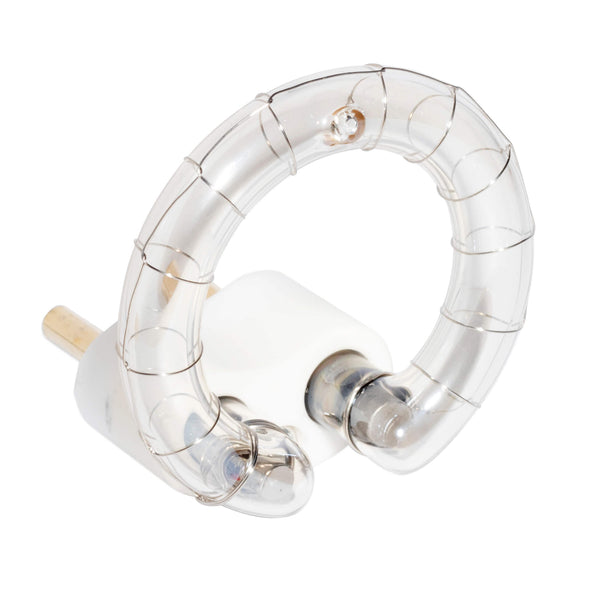
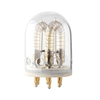
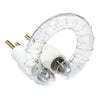
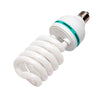
New batches of the FT-AD300PRO flash tube can be identified with an "01" on the white part of the plug.
 Due to different batches of the flash tube, software selection and matching are now required for the Godox AD300Pro I and II flashes, and the new batch of FT-AD300 flash tube for these lights.
To match software for this, please do the following:
1. In power-off state, press and hold the flash button <’ >, then press the power switch to turn on the device. Wait for about 2s to enter the flash tube switching interface. The number on the interface corresponds to the number under the ceramic base of the flash tube. 0 corresponds to the flash tube with no number, and 1 corresponds to the flash tube with 1
2. Select by rotating the dial to match the number under the ceramic base. lf there is no number, choose 0. lf there is 1, choose 1
3. After confirming the selected number, press the SET button to confirm and exit, the device will then function normally. lf there is no operation for about 5s, it will automatically exit and the operation will not take effect.
4. Once the flash tube is selected, the selection will not be lost during a power outage, so there is no need to repeat the selection. However, if the firmware is upgraded, the selected data will be lost, and needs to be selected again.
Note: lf the above operations are unavailable with the current firmware, please upgrade the firmware to the latest version before trying again. You can visit the official website (www.godox.com) to check for the latest firmware.
Please ensure you follow this guidance to ensure full functionality of your equipment.