












































































My Flash Won't Fire - Common Causes and Fixes
Few things are more frustrating than setting up your lighting, only to find that your flash won't fire when you press the shutter. The good news is that, in most cases, the cause is something simple that can be identified in just a few minutes.
Work through the checks below in order to pinpoint exactly where the problem lies.
1. Check the Wireless Channel and ID
If you're using a wireless trigger, the first thing to verify is that both the flash and the trigger are configured to use the same wireless channel and ID.
If these settings don't match, the trigger won't be able to communicate with the flash, even though both devices appear to be functioning normally.
2. Check the Flash Tube
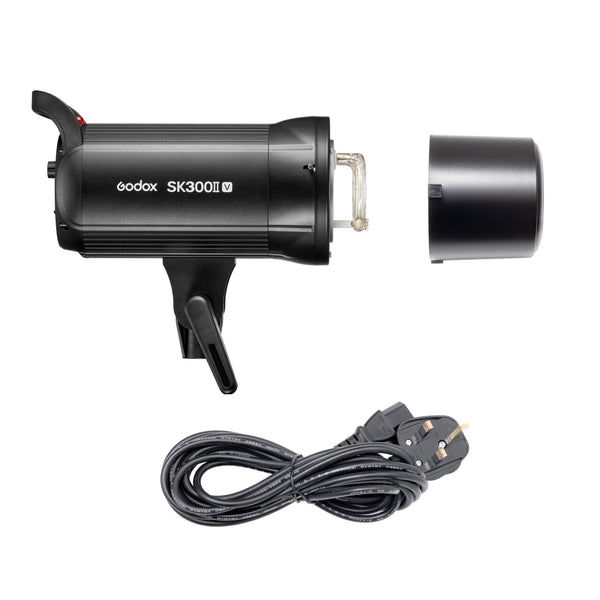
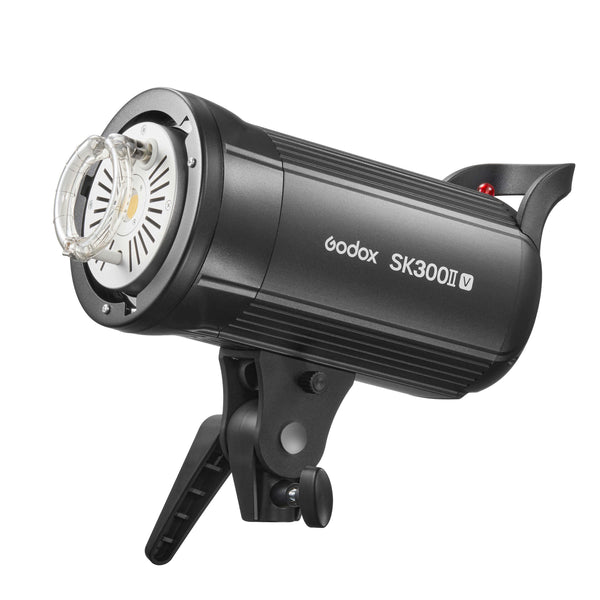
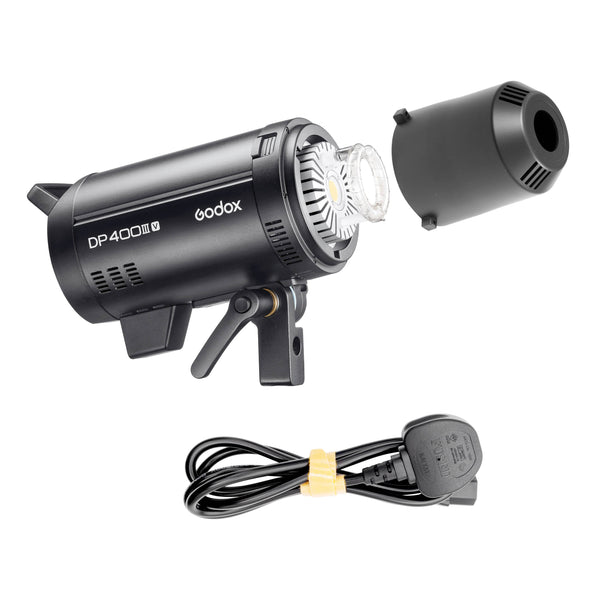
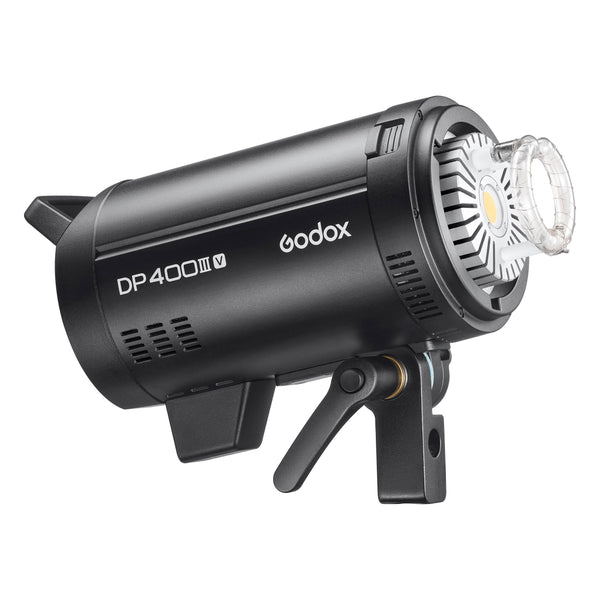
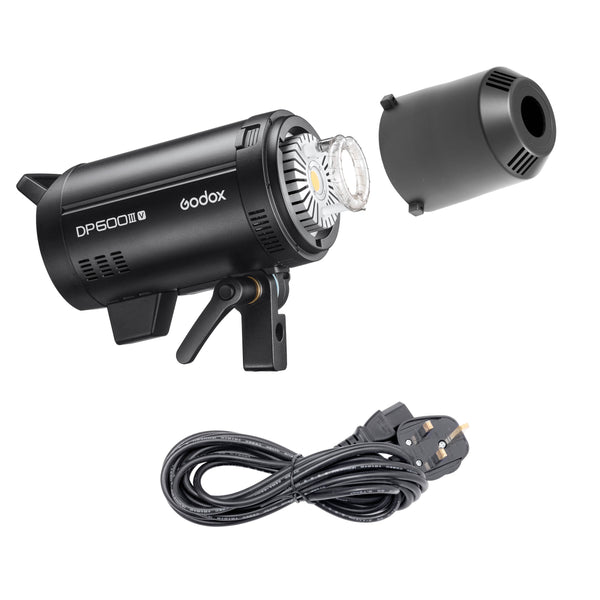
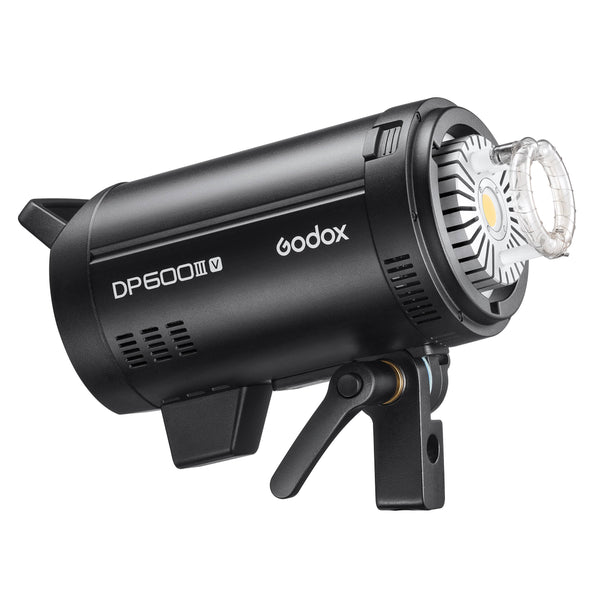
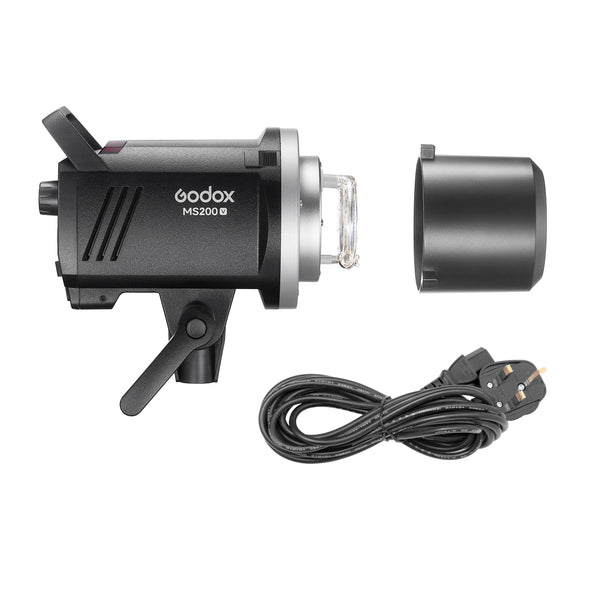
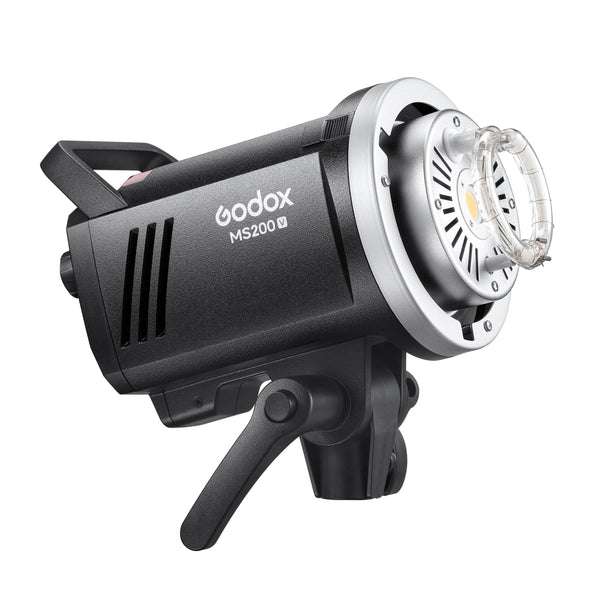
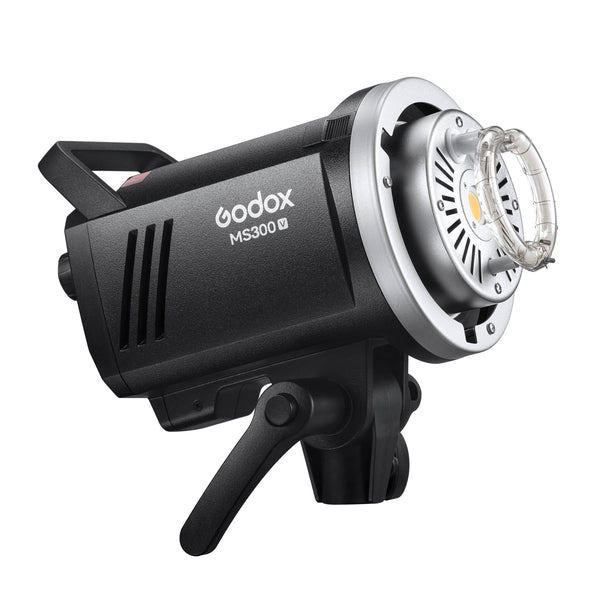
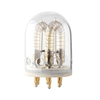
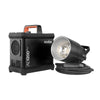
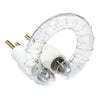
Make sure the flash tube is fully inserted and correctly seated in the flash head.
A tube that has worked loose during transport or setup may prevent the flash from operating correctly. If necessary, switch the flash off, allow it to cool, and carefully reseat the tube according to the manufacturer's instructions.

3. Check the Hot Shoe Connection
Inspect the connection between your camera and the wireless trigger.
The trigger should be pushed fully into the camera's hot shoe and locked securely in place. Even a slight gap can prevent the camera from communicating with the trigger.
It's also worth checking that the hot shoe contacts are clean and free from dust or debris.
4. Confirm the Trigger Is Fitted Correctly
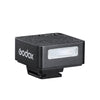
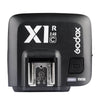
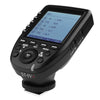
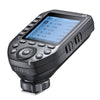
Although it sounds obvious, it's worth ensuring the trigger is fitted in the correct orientation and has been inserted completely before locking it. Make sure the screen on the trigger is facing you when you hold the camera to shoot.
An incorrectly fitted trigger may power on but fail to make proper electrical contact with the camera.

5. Test Each Component Individually
The quickest way to diagnose the issue is to test each part of the system one step at a time:
Test the Flash
Press the TEST button on the flash itself.
If the flash fires: the flash is working correctly.
If it doesn't: the issue is likely with the flash, flash tube, battery, or power supply.
Test the Wireless Trigger
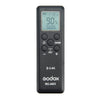
Next, press the TEST button on the wireless trigger.
If the flash fires: the trigger is communicating with the flash correctly.
If it doesn't: check the wireless settings, pairing, batteries, or distance between the units.
Test Using the Camera
Finally, take a photograph using your camera's shutter button.
If the flash fires: everything is functioning normally.
If it doesn't fire, despite both TEST buttons working: the problem is most likely related to the camera's settings or the connection between the camera and the trigger.
Where the Fault Is Likely to Be
By testing each stage separately, you can narrow the problem down quickly:
- Flash TEST button doesn't work: investigate the flash itself, power source, or flash tube.
- Flash TEST works, but trigger TEST doesn't: check the trigger, wireless channel/ID settings, pairing, or batteries.
- Both TEST buttons work, but the camera won't trigger the flash: inspect the camera's hot shoe connection and review the camera's flash settings, shutter mode, and any features that may disable external flash triggering.
Most flash triggering issues come down to a simple connection or configuration problem rather than a hardware fault. Taking a systematic approach and testing one component at a time will help you identify the cause quickly and avoid unnecessary frustration.
If you've completed all of the steps above and your flash still won't fire, it's worth consulting your equipment's manual or contacting the manufacturer's support team with the results of your testing. Knowing which stage failed will make diagnosing the issue much faster.